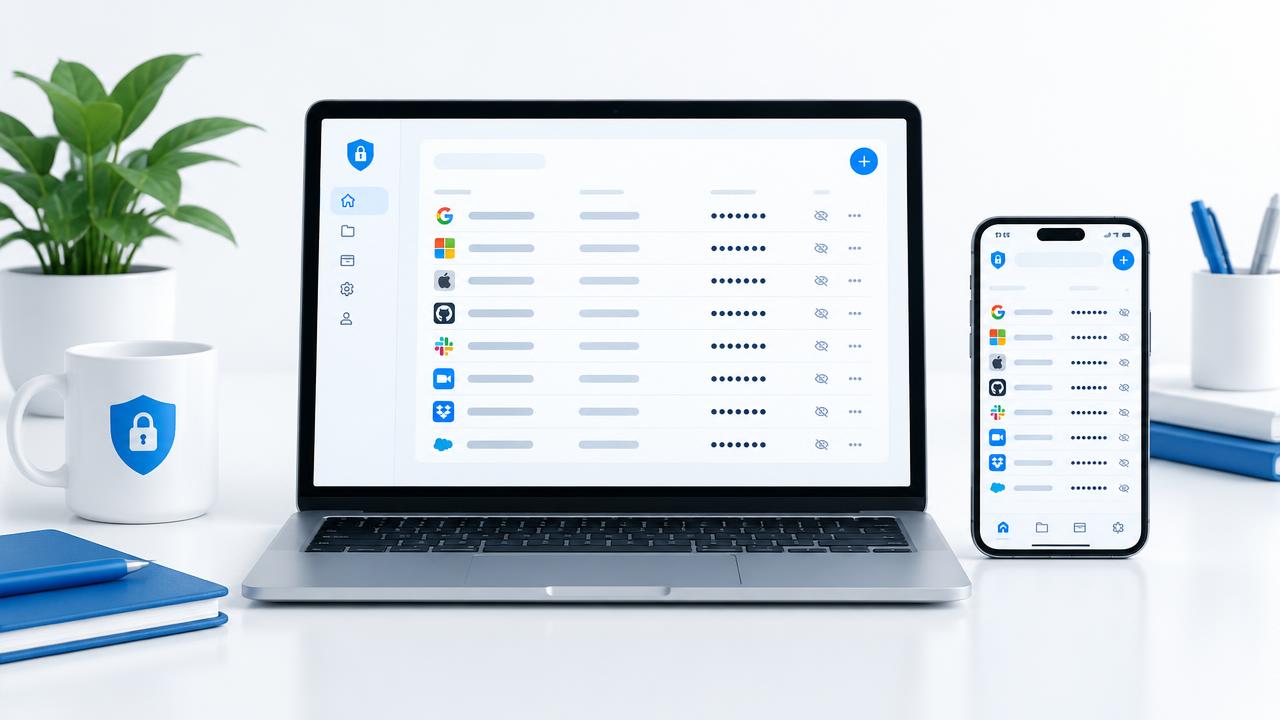
A practical guide to centralizing access to company portals and removing passwords from scattered sheets, chats and personal notebooks.
Every company, even a small one, signs in to dozens of websites every day: the bank portal, the accountant's area, supplier platforms, cloud business software, hosting services and public administration portals. Each of them has an address, a username, a password and often a linked email address. In daily practice this information ends up scattered: a sheet in a drawer, a note on an employee's phone, a chat message from two years ago.
The outcome is always the same: when the credential is needed, nobody can find it. And when the person who kept it is unavailable, or has left the company, the only option is a password reset and hours of lost work.
Why personal notebooks are a risk, not a solution
Relying on one employee's memory or notebook feels convenient, but it moves a company asset outside the company's control. The consequences are concrete: dependency on a single person, no traceability of who accesses what, no way to demonstrate during an audit how access is protected, and a real risk of accidental disclosure when passwords travel through chats.
- Passwords shared in chats stay readable for years on every participant's device.
- A shared spreadsheet cannot separate who is allowed to see what.
- Without an activity log nobody knows who changed or used an account.
- When a colleague leaves, the only countermeasure left is resetting everything.
What a centralized register actually gives you
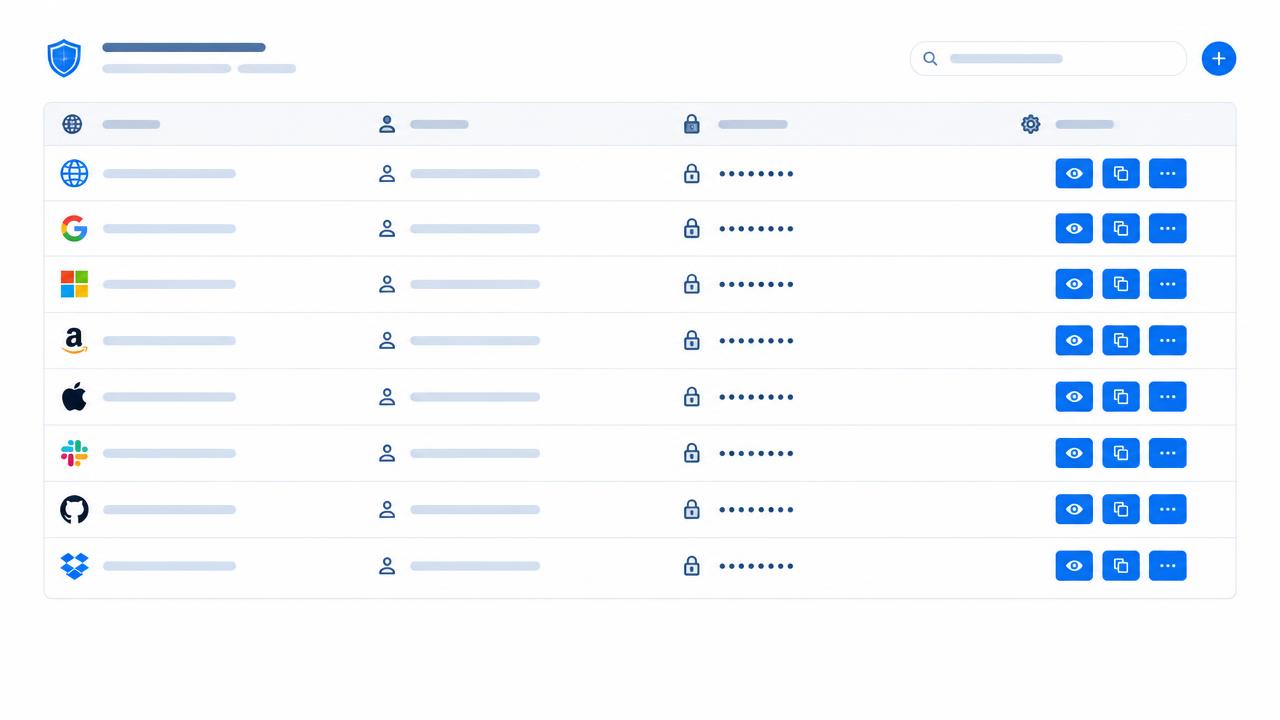
A corporate access register is a single archive where each entry holds the website, the login ID, the encrypted password, the linked email, a description and the people authorised to see it. It is not just a list: it is what lets the company know, at any moment, which credentials it uses and who may use them.
The four essential features
- Passwords encrypted in the database and masked on screen, with one-click copy.
- Controlled visibility: each entry is reachable only by its author and the authorised people.
- Activity log covering logins, site openings and edits, filterable by person and by site.
- CSV and PDF export, for internal archiving and external checks.
Onboarding and offboarding without disruption
The most delicate moment is a change of people. With a shared register, a new colleague is onboarded by granting access only to the entries they need; a departure is handled by revoking that single permission, without touching the credentials the rest of the team relies on.
Access security does not come from more complicated passwords, but from order and traceability of who uses them.
How to start in practice
- Take inventory: list every website and web service the company actually uses.
- Assign an owner to each entry and decide who must be able to see it.
- Move the credentials into the register and delete the sheets, notes and messages holding them.
- Review the activity log regularly and update permissions whenever the team changes.